
Quote E-Signature for WHMCS
Clients sign WHMCS quotes with a drawn or typed signature when they accept, and a signed PDF with the time and IP address stays on the quote.
What will the quote e-signature module do?
It adds a signature step where clients accept a quote. When a client clicks Accept, they draw their signature with a mouse or finger, or type their full name, and confirm. The module then builds a signed copy: your normal quote PDF followed by a signature page recording who signed, when, and from which IP address and browser. It is stored on the quote, where staff and the client can download it, and emailed to both. If you choose, the invoice is created the moment the quote is signed.
It is built to order: you get the license key at purchase, once I have checked your account, and the download within 10 business days.
What does WHMCS already do, and what does this add?
WHMCS quotes already have an Accept Quote button for quotes in the Delivered or On Hold stage. The client ticks a box agreeing to your Terms of Service, sees a short contract warning, and the quote moves to Accepted. Staff then convert it to an invoice by hand. WHMCS keeps no signature, no signer's name and no signed copy of what was accepted. This module adds those, and can raise the invoice through WHMCS's own AcceptQuote API action instead of waiting for staff.
What is included?
| Part | What you get |
|---|---|
| Signature | Drawn with mouse or finger, or typed full name |
| Evidence | Name, email, IP address, browser, UTC timestamp, quote number and total |
| Signed PDF | Quote PDF plus a signature page, stored on the quote |
| Emails | Signed copy sent to the client and to staff |
| Invoice | Optional: created on signing |
| Change check | Quote fingerprinted at signing; a warning shows if it is edited later |
Who is it for?
Hosts who quote larger jobs, such as dedicated servers, migrations or managed contracts, where a ticked box feels thin if the client later disputes the deal. Agencies that also want projects and retainers should look at my Web Agency Operations Module, which has its own signed proposals; this module stays with native WHMCS quotes.
What do you need, and what are the limits?
Requirements: WHMCS 8.13 or 9.x (I confirm your exact version at purchase), PHP 8.1 or newer, and a short addition to the viewquote.tpl file of your client area theme, which I supply with install steps.
Limits: this is a simple electronic signature with a record of how it was given. It does not verify identity and is not a qualified electronic signature under the EU's eIDAS rules, so contracts that need that level belong in a dedicated signing service. Automatic invoicing creates one invoice for the full amount; for a deposit split, convert by hand as now.
It costs $49 once for a lifetime license with twelve months of updates and support, and a seven-day refund window. I check each account by hand, which can take up to 24 hours, before the license key is issued, and the download follows within 10 business days of purchase.
Key features
- Signature step added to WHMCS quote acceptance
- Drawn signature by mouse or finger, or typed full name
- Your Terms of Service checkbox kept in the same step
- Signer name, email, IP address, browser and UTC timestamp recorded
- Signed PDF with a signature page stored on the quote
- Signed copy emailed to the client and to staff
- Optional invoice created as soon as the quote is signed
- Warning on the quote if it is edited after signing
Why customers buy this module
- →A signed record to show if a client disputes what they agreed to
- →Clients sign where they already accept quotes
- →Accepted work can be invoiced without waiting for staff
- →Signed copies stay with the quote, not in someone's inbox
Frequently asked questions
Doesn't WHMCS already let clients accept quotes?
It does: the client ticks a Terms of Service box and the quote moves to Accepted. What WHMCS does not keep is a signature, the signer's name or a signed copy of the quote they saw. This module adds the signature step to that same Accept button and stores the signed PDF and its evidence on the quote.
Is a signature made this way legally binding?
It is a simple electronic signature, the kind many businesses use for service agreements, and the module keeps the evidence of who signed, when and from where. Whether that is enough for a particular contract depends on your country and the deal, so ask your lawyer about high-value contracts. It does not verify ID and is not a qualified signature under eIDAS.
When will I get it, and what if you can't deliver?
It is built to order. I check your account by hand, which can take up to 24 hours, then issue the license key, and the download follows within 10 business days of purchase. If I do not deliver it in that time, you get a full refund. Once it is delivered, the store's 7-day refund window applies.
Technical specifications
- WHMCS
- 8.13 and 9.x (confirmed at purchase)
- PHP
- 8.1+
- Signature types
- Drawn or typed
- Theme change
- Short addition to viewquote.tpl, supplied with the module
- Availability
- Built to order, delivered in 10 business days
- License
- Lifetime, 1 year of updates and support included
- Delivery
- License key after a manual account check (up to 24 hours); download when built
- Refund window
- 7 days
Related modules
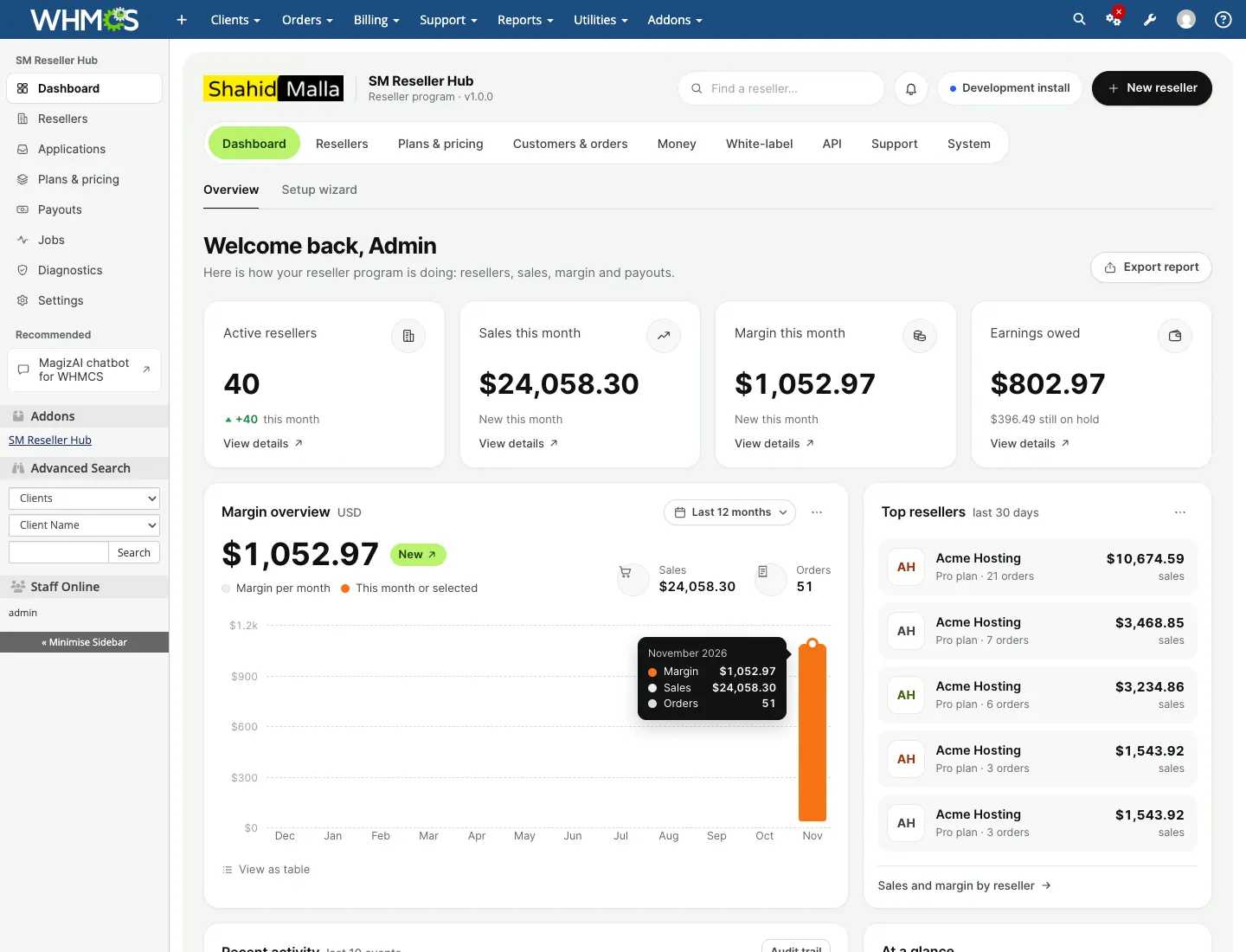
SM Reseller Hub: White-Label Reseller Platform for WHMCS
SM Reseller Hub lets your WHMCS clients resell hosting, servers, licences, SSL and domains under their own brand. They get a white-label store and client area on their own domain, a REST API for their own website and a reseller dashboard, while you keep control of prices, margins, payments and every customer.
Abandoned Cart Recovery Emails for WHMCS
I built this module to win back WHMCS orders that stall at checkout. It detects abandoned carts, sends an email sequence you write, can add a discount code, and reports which emails bring buyers back.
Bulk Edit and Mass Update Tool for WHMCS
An admin-only WHMCS module I built for changes too large to click through and too risky for raw SQL. Filter the records, preview the result, apply it as a background job, and reverse it later if needed.