
Automatic Client Groups for WHMCS
Move WHMCS clients into client groups by rules on total spend, country, active services and account age, checked every day by the WHMCS cron.
What will automatic client groups do?
It keeps your WHMCS client groups up to date without anyone editing profiles. You build rules from four conditions: total amount paid, country, number of active services and age of the account. Each rule points to a client group, and rules run in the order you set. When the WHMCS cron runs its daily tasks, the addon checks each client and moves them into the group of the first rule they match. A rule can also move clients out when they stop matching, to a fallback group or to no group.
This product is built to order: you get the license key once I have checked your account and the download within 7 business days.
What does WHMCS already do, and what does this add?
WHMCS client groups carry a color shown in client lists and tickets, an optional discount on future invoices, an exemption from suspension and termination, separate invoices and domain pricing slabs. But each client is put into a group by hand on the Profile tab, one at a time. The addon adds the rules, the daily run, a preview and a log.
What is included?
| Part | What you get |
|---|---|
| Total spend | Amount paid, all time or in the last 12 months |
| Country | One or more countries from the client profile |
| Active services | Number of active services, optionally of chosen products only |
| Account age | Time since the client signed up |
| Locks | Clients you exclude keep the group you set by hand |
| Preview | The clients each rule would move, before you switch it on |
| Log | Every move with old group, new group, rule and date |
Who is it for?
Hosts that use groups for loyalty discounts, VIP support, reseller pricing or country handling and have more clients than anyone can review by hand. A client who passes your spend level gets the discount on the next invoice, and someone with no active services drops out of the VIP queue. If you price configurable options by group, my configurable option price manager uses the same groups.
What do you need, and what are the limits?
Requirements: a self-hosted WHMCS 8.13 or 9.x (I confirm your exact version at purchase), PHP 8.1 or newer, and the WHMCS cron running its daily tasks.
Limits: groups change once a day, not the moment a payment lands. A client belongs to one group at a time, as in WHMCS itself. Moving a client changes everything the group carries, including discounts on future invoices and any exemption from suspension, so read the preview before you switch a rule on. Spend in other currencies is converted with the exchange rates set in WHMCS.
It costs $29 once for a lifetime license with twelve months of updates and support and a seven-day refund window. I check each new account by hand, which can take up to 24 hours, before the license key is issued, and the download follows within 7 business days of purchase.
Key features
- Rules on total spend, all time or the last 12 months
- Rules on country, active services and account age
- Rules run in your order, and the first match wins
- Optional move out to a fallback group when a client stops matching
- Locked clients keep the group you set by hand
- Preview of the clients each rule would move
- Runs with the WHMCS daily cron tasks
- Log of every move with the rule that caused it
Why customers buy this module
- →Client groups stay accurate without anyone editing profiles
- →Loyalty discounts reach clients as soon as they qualify
- →VIP and reseller handling follows real account data
Frequently asked questions
Will it change groups I have set by hand?
Only for clients a rule matches, and never for clients you lock. A client who matches no rule keeps their current group, unless a rule they used to match is set to move clients out. The preview shows every client a rule would move, so you can lock exceptions before the first run.
Does moving a client change what they pay?
It can. WHMCS applies a group's discount at the invoice stage, so it affects invoices created after the move, and invoices already issued stay as they are. Domain pricing slabs and any exemption from suspension follow the group too, so set those up the way you want before you switch a rule on.
When will I get it, and what if you can't deliver?
You get the download within 7 business days of purchase. If I do not deliver it in that time, you get a full refund. Otherwise the store's seven-day refund window applies. The license key is issued after a manual check of your account, which can take up to 24 hours.
Technical specifications
- WHMCS
- 8.13 and 9.x (confirmed at purchase)
- PHP
- 8.1+
- Runs
- Daily, with the WHMCS cron's daily tasks
- Conditions
- Total spend, country, active services, account age
- Availability
- Built to order, delivered in 7 business days
- License
- Lifetime, 1 year of updates and support included
- Delivery
- License key after a manual account check (up to 24 hours); download when built
- Refund window
- 7 days
Related modules
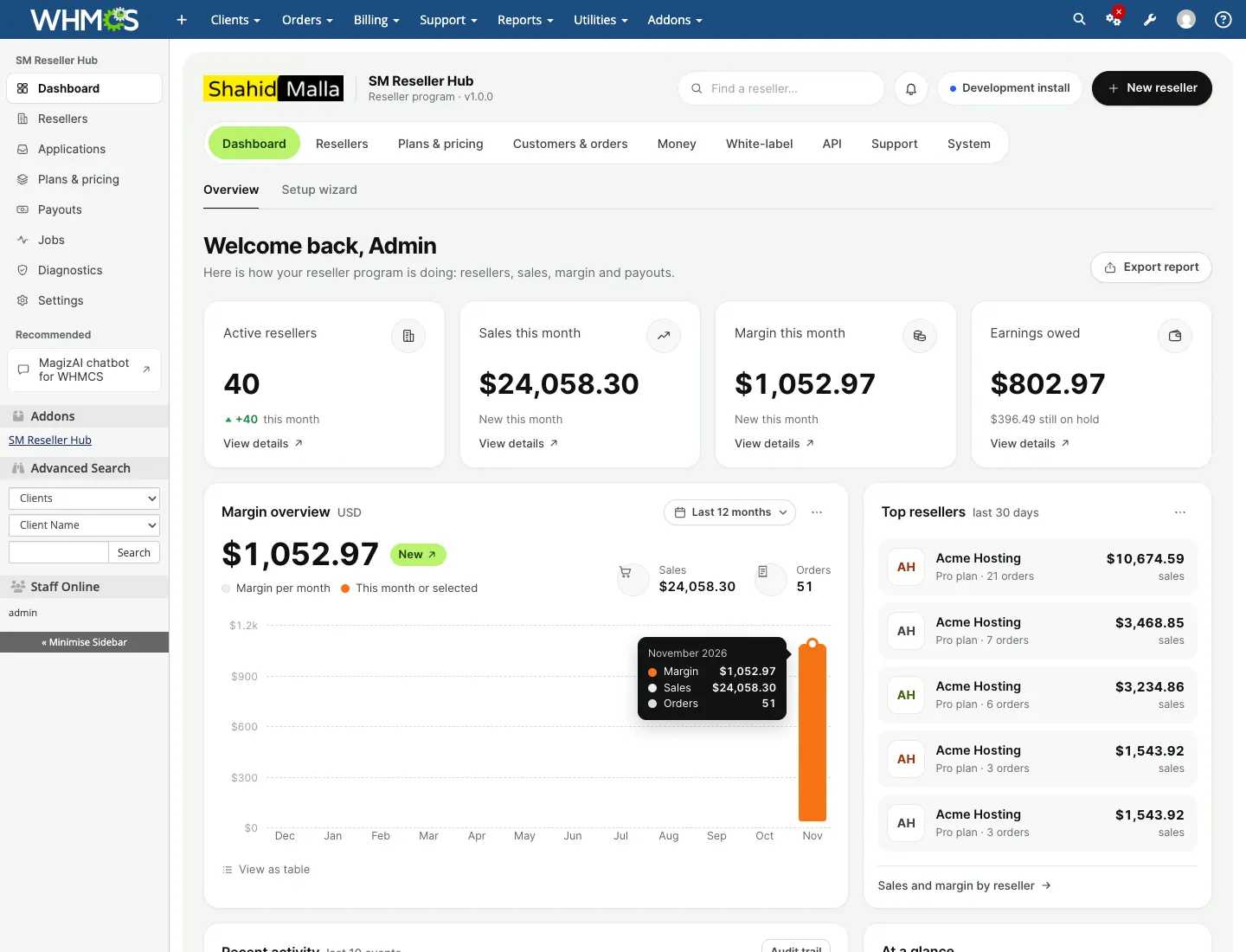
SM Reseller Hub: White-Label Reseller Platform for WHMCS
SM Reseller Hub lets your WHMCS clients resell hosting, servers, licences, SSL and domains under their own brand. They get a white-label store and client area on their own domain, a REST API for their own website and a reseller dashboard, while you keep control of prices, margins, payments and every customer.
Abandoned Cart Recovery Emails for WHMCS
I built this module to win back WHMCS orders that stall at checkout. It detects abandoned carts, sends an email sequence you write, can add a discount code, and reports which emails bring buyers back.
Bulk Edit and Mass Update Tool for WHMCS
An admin-only WHMCS module I built for changes too large to click through and too risky for raw SQL. Filter the records, preview the result, apply it as a background job, and reverse it later if needed.