
Bank Transfer with Proof of Payment Upload for WHMCS
A bank transfer payment method where clients upload their transfer receipt on the invoice, and your staff mark it paid or reject it with a reason.
What will the module do?
Clients who choose bank transfer see your bank details and the invoice number to use as the payment reference, plus a form to upload their receipt as a PDF, JPG or PNG with the transfer date and reference. Each upload goes into a review list in the admin area and staff get an email. A reviewer opens the receipt beside the invoice and either marks it paid, which records the payment in WHMCS with the bank reference as the transaction ID so renewals and provisioning run as normal, or rejects it with a reason that is emailed to the client, who can upload again. An upload never pays an invoice by itself: only a staff member's approval does.
This product is built to order: you get the license key once your account has been checked and the download within 7 business days of purchase.
What does WHMCS already do, and what does this add?
WHMCS ships a Bank Transfer gateway that shows your instructions on the invoice, and staff record the money by hand with Add Payment once it reaches the bank. There is no place for the client to send a receipt, so they email it or open a ticket, and someone has to match it to the right invoice. This module keeps the receipt on the invoice and puts every waiting receipt in one queue.
What is included?
| Part | What you get |
|---|---|
| Invoice page | Bank details, payment reference and upload form |
| Files | PDF, JPG or PNG up to a size you set, stored outside the public web folder |
| Invoice status | Optionally set to Payment Pending while a receipt waits |
| Review list | Receipts with client, invoice, amount and upload date |
| Mark paid | Records the amount received, date and bank reference |
| Reject | Reason emailed to the client, invoice back to Unpaid, new upload allowed |
| History | Every upload and decision on each invoice |
Who is it for?
Hosts whose clients pay by local bank transfer, often where cards are less common, and whose staff spend time matching emailed screenshots to invoices. To reward clients who pay this way, my Payment Method Discount addon can take a percentage off their invoice.
What do you need, and what are the limits?
Requirements: WHMCS 8.13 or 9.x (I confirm your exact version at purchase) and PHP 8.1 or newer.
Limits: the module does not connect to your bank, so a receipt only shows what the client says they sent; check your bank statement before you approve. It does not read amounts from the receipt image. If less money arrived than the invoice total, record the amount that arrived and the invoice stays partly paid.
It costs $29 once for a lifetime license with twelve months of updates and support, and a seven-day refund window. I check each new account by hand, which can take up to 24 hours, before the license key is issued, and the download follows within 7 business days of purchase.
Key features
- Bank details and payment reference shown on the invoice
- Receipt upload on the invoice as PDF, JPG or PNG
- Optional Payment Pending status while a receipt waits
- Staff email for each new upload
- Review list with the receipt beside the invoice details
- Mark paid with amount, date and bank reference recorded
- Reject with a reason emailed to the client
- Upload and decision history on every invoice
- Receipt files kept outside the public web folder
Why customers buy this module
- →Receipts arrive on the invoice instead of in tickets and email
- →One list shows every transfer waiting for a check
- →Invoices are paid only after a person has checked the bank
Frequently asked questions
Does an uploaded receipt mark the invoice paid?
No. The invoice stays unpaid, or moves to Payment Pending if you turn that on, until a staff member checks the receipt and marks it paid. That records a payment in WHMCS with the amount, date and bank reference, and from there WHMCS runs its normal steps: the payment confirmation email, renewals and provisioning.
Where are the receipt files kept, and who can see them?
On your own WHMCS server, in a folder outside the public web root, so they cannot be opened by guessing a URL. Clients see only the receipts on their own invoices. In the admin area, staff with access to the module's review list can open them.
When will I get it, and what if you can't deliver?
It is built to order. Your account is checked by hand, which can take up to 24 hours, and then you get the license key; the download arrives within 7 business days of purchase. If I do not deliver it in that time, you get a full refund. Once it is delivered, the store's 7-day refund window applies.
Technical specifications
- WHMCS
- 8.13 and 9.x (confirmed at purchase)
- PHP
- 8.1+
- Gateway type
- Manual bank transfer with receipt upload
- File types
- PDF, JPG, PNG
- Availability
- Built to order, delivered in 7 business days
- License
- Lifetime, 1 year of updates and support included
- Delivery
- License key after a manual account check (up to 24 hours); download when built
- Refund window
- 7 days
Related modules
NOWPayments Crypto Payment Gateway for WHMCS
A WHMCS payment gateway I built on the NOWPayments API. Customers settle invoices in any of more than 100 cryptocurrencies, and WHMCS is told as soon as the payment is verified.
SM Square: Square Payment Gateway for WHMCS
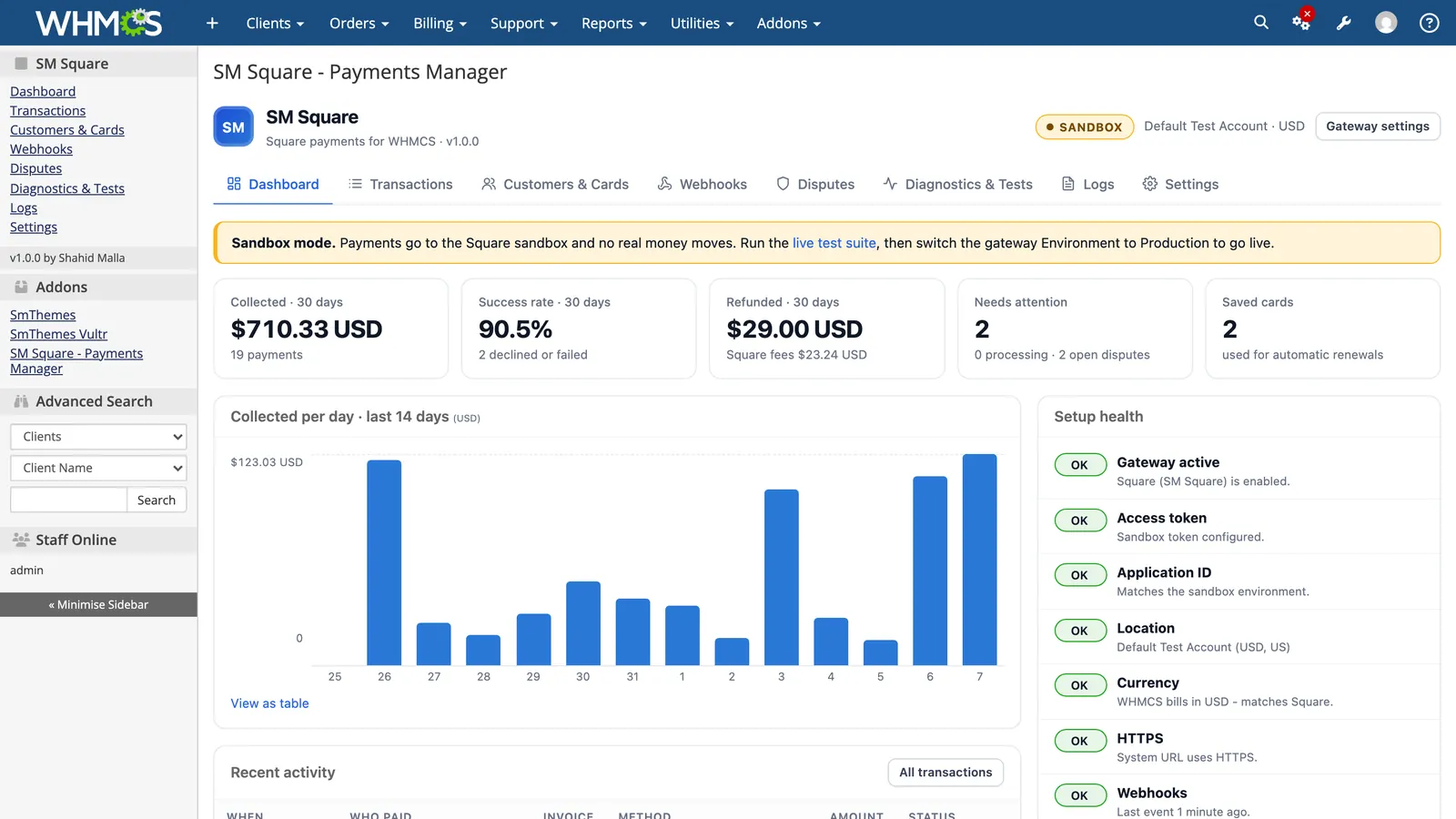
SM Square takes every Square payment method on your WHMCS invoices and adds a Payments Manager to your admin area: who paid, Square fees, refunds, saved cards, webhooks, disputes, debug logs and a live sandbox test suite.
Cash App Payment Gateway for WHMCS
I built this gateway so customers in the United States can settle WHMCS invoices with Cash App. Payments are checked and applied to the right invoice, payment requests go out by email, and anything that does not match waits for an admin to reconcile.