
Maintenance and Announcement Banner Scheduler for WHMCS
Schedule banners across the WHMCS client area for maintenance windows and offers, shown to the client groups you pick between a start and end time.
What will the banner scheduler do?
It puts a notice bar at the top of WHMCS client area pages for a set time. You write the message, pick a style, add an optional button and set the start and end time. You also pick the audience: one or more client groups, all logged-in clients, or visitors who are not logged in. The banner appears when the window opens and disappears when it closes, so a Saturday night maintenance notice or a weekend offer runs without anyone at the keyboard.
This product is built to order: you get the license key once I have checked your account and the download within 7 business days.
What does WHMCS already do, and what does this add?
WHMCS has three related tools. Announcements appear under Recent News on the client area home and in an RSS feed, published by hand. Network Issues post service-affecting notices, such as planned maintenance, and stay up until you close them. Maintenance Mode closes the client area and order form to everyone. A developer can also add a homepage panel with a hook file. None of these puts a banner on every page, follows start and end times, or targets client groups. This addon adds that.
What is included?
| Part | What you get |
|---|---|
| Schedule | Start and end date and time |
| Audience | Chosen client groups, all logged-in clients, or logged-out visitors |
| Styles | Information, warning and offer, each with an optional button |
| Pages | Every client area page including the cart, or the home page only |
| Dismiss | Optional close button that hides the banner for that visitor |
| Several banners | More than one at a time, in the priority order you set |
Who is it for?
Hosts who announce server maintenance, price changes or seasonal offers and want the right clients to see them before they open a ticket. Resellers and VIP clients can get their own notices, and an offer for new clients need not reach older plans. For live outages, my uptime monitor opens a Network Issue and a banner on its own when a check fails; this addon is for the notices you plan ahead.
What do you need, and what are the limits?
Requirements: a self-hosted WHMCS 8.13 or 9.x (I confirm your exact version at purchase) and PHP 8.1 or newer. The banner uses a WHMCS client area output hook, so it works with the built-in themes; a heavily customized theme may need a small template change.
Limits: banners show in the client area and order form only, not on a separate website or in emails. Times follow your WHMCS server's time zone. A dismissed banner is remembered in that browser, so it shows again on another device.
It costs $29 once for a lifetime license with twelve months of updates and support and a seven-day refund window. I check each new account by hand, which can take up to 24 hours, before the license key is issued, and the download follows within 7 business days of purchase.
Key features
- Banners with a start and end date and time
- Audience by client group, logged-in clients or visitors
- Information, warning and offer styles
- Optional button with your own text and link
- Show on every client area page or the home page only
- Optional close button per banner
- Several banners at once in a set priority order
- Banners go live and expire without staff action
Why customers buy this module
- →Clients hear about maintenance before it starts, not after
- →Offers reach only the client groups they are meant for
- →No one has to remember to remove an old notice
Frequently asked questions
Can I show a banner to one client group only?
Yes. Pick one or more client groups on the banner, and only logged-in clients in those groups see it. Visitors who are not logged in have no group, so they only see banners you set for visitors. A banner with no group chosen goes to every logged-in client.
Will the banner show while WHMCS is in Maintenance Mode?
No. Maintenance Mode closes the client area to clients, so they see your maintenance message instead. Use a banner in the days before the work to warn clients, and switch on Maintenance Mode only for work that needs the client area closed.
When will I get it, and what if you can't deliver?
You get the download within 7 business days of purchase. If I do not deliver it in that time, you get a full refund. Otherwise the store's seven-day refund window applies. The license key is issued after a manual check of your account, which can take up to 24 hours.
Technical specifications
- WHMCS
- 8.13 and 9.x (confirmed at purchase)
- PHP
- 8.1+
- Display
- Top of client area pages through a WHMCS output hook
- Audience
- Client groups, logged-in clients, visitors
- Availability
- Built to order, delivered in 7 business days
- License
- Lifetime, 1 year of updates and support included
- Delivery
- License key after a manual account check (up to 24 hours); download when built
- Refund window
- 7 days
Related modules
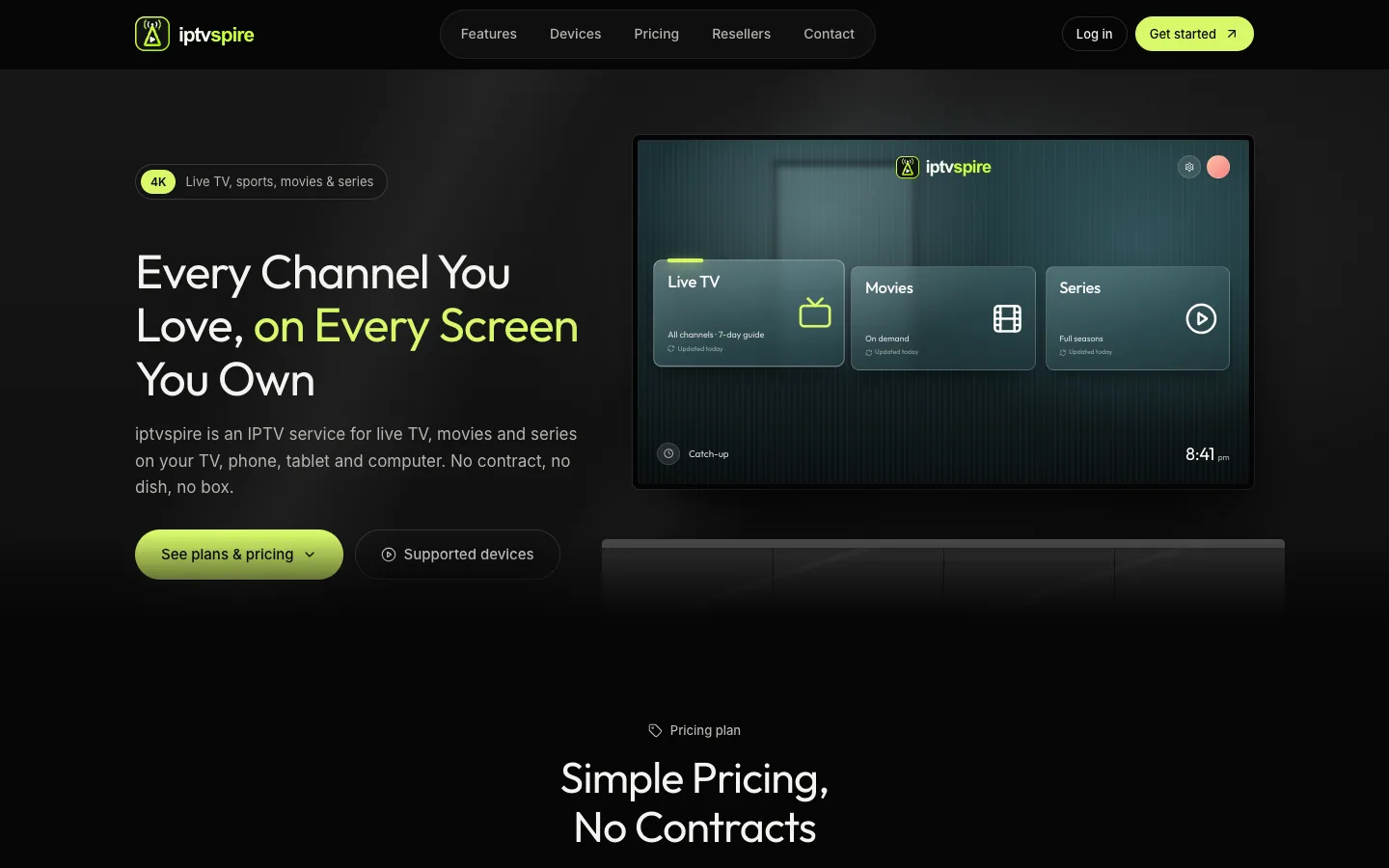
IPTVSpire IPTV Storefront Theme for WHMCS
IPTVSpire turns WHMCS 9 into a complete storefront for a streaming subscription business: a TV-style homepage, plan cards with a free trial, separate features, devices and reseller pages, and a restyled login and cart. See it running on the live demo.
Cloud VPS WHMCS Theme
I built this theme for a company selling dedicated servers, VPS and cloud compute through WHMCS. It restyles every client-facing page, adds a catalog-style order form with a sign-in step, and ships a Theme Manager addon with CMS pages, a blog, menus, media and SEO settings.
Server Location Picker with Flags for WHMCS
I built this addon to manage server locations in one place. It writes them into WHMCS as a configurable option with prices in every currency, passes the chosen location code to your server module, and feeds flag cards and per-month savings to the order form.