
Client Service Notes and Account Flags for WHMCS
Put colored flags like VIP, payment risk or special terms on WHMCS clients and services, so staff see them on client, ticket, order and invoice pages.
What will the account flags addon do?
Some clients need care: a reseller on special pricing, a client with two chargebacks, a business whose contract overrides your terms. That knowledge often lives in one person's head. The addon puts it where staff look.
You define flags with a name and a color, such as VIP in gold or Payment risk in red. Staff add them to a client or to one service, with a short note on why. Each flag records who set it and when, and can end on a set date. Flags show as colored badges on the client's profile tabs and on the service, ticket, order and invoice pages, with the note on hover. Clients never see them.
This product is built to order: you get the license key once your account is checked and the download within 7 business days of purchase.
What does WHMCS already do, and what does this add?
WHMCS has private client notes, and a note marked sticky shows across the client's profile and on their tickets. Each service has an Admin Notes field, and staff can tag each other in notes. A client group can carry a color shown in client lists, tickets and menus, but a client has one group only, and groups also set discounts, suspension exemptions and separate invoices. The addon adds several colored flags per client that do not touch billing, flags on single services, badges on order and invoice pages, end dates, role control and a list of flagged accounts.
What is included?
| Part | What it does |
|---|---|
| Client flags | Several flags per client, each with a note |
| Service flags | Flags on a single service, shown on its page and the client's profile |
| Details | Who set the flag, when, and an optional end date |
| Permissions | Admin roles allowed to add or remove each flag |
| Flag list | Every flagged client and service, filtered by flag |
| History | Flags added, changed and removed, with the staff member |
Who is it for?
Teams with more than one person on tickets and billing, where the person who knows a client's history is not always on shift. If one VIP marker is all you need, a colored client group may be enough.
What do you need, and what are the limits?
Requirements: WHMCS 8.13 or 9.x (I confirm your exact version at purchase), PHP 8.1 or newer, and the default WHMCS admin area templates; heavily changed ones may need the badge position adjusted.
Limits: flags are labels for staff. They do not block orders, suspend services or change prices. Existing sticky notes stay where they are and are not turned into flags.
It costs $29 once for a lifetime license with twelve months of updates and support, and a seven-day refund window. Your account is checked by hand, which can take up to 24 hours, before the license key is issued, and the download follows within 7 business days of purchase.
Key features
- Your own flags with a name and a color
- Several flags per client, each with a note
- Flags on single services
- Badges on client, service, ticket, order and invoice pages
- Who set each flag and when
- Optional end date with automatic removal
- Admin role control per flag
- List of flagged clients and services, filtered by flag
- History of every flag change
- Never shown to clients
Why customers buy this module
- →Every staff member sees a client's special handling before replying
- →Risky accounts stand out at the order and invoice stage
- →Labels stay separate from discounts and billing groups
Frequently asked questions
Can't I just use sticky notes or a client group?
For one label, maybe. A sticky note is plain text on the client's profile and tickets, and a client group gives one color but also carries discounts and suspension settings, with one group per client. Flags give you several colored labels per client and per service, shown on order and invoice pages too, with end dates and control over who can set them.
Can clients see the flags?
No. Flags appear only in the admin area. Nothing is added to the client area or to the emails and invoices clients receive.
When will I get it, and what if you can't deliver?
You get the license key after a manual account check, which can take up to 24 hours, and the download within 7 business days of purchase. If I do not deliver it in that time, you get a full refund. Otherwise the store's seven-day refund window applies.
Technical specifications
- WHMCS
- 8.13 and 9.x (confirmed at purchase)
- PHP
- 8.1+
- Flag targets
- Clients and single services
- Shown on
- Client, service, ticket, order and invoice pages (admin area only)
- Availability
- Built to order, delivered in 7 business days
- License
- Lifetime, 1 year of updates and support included
- Delivery
- License key after a manual account check (up to 24 hours); download when built
- Refund window
- 7 days
Related modules
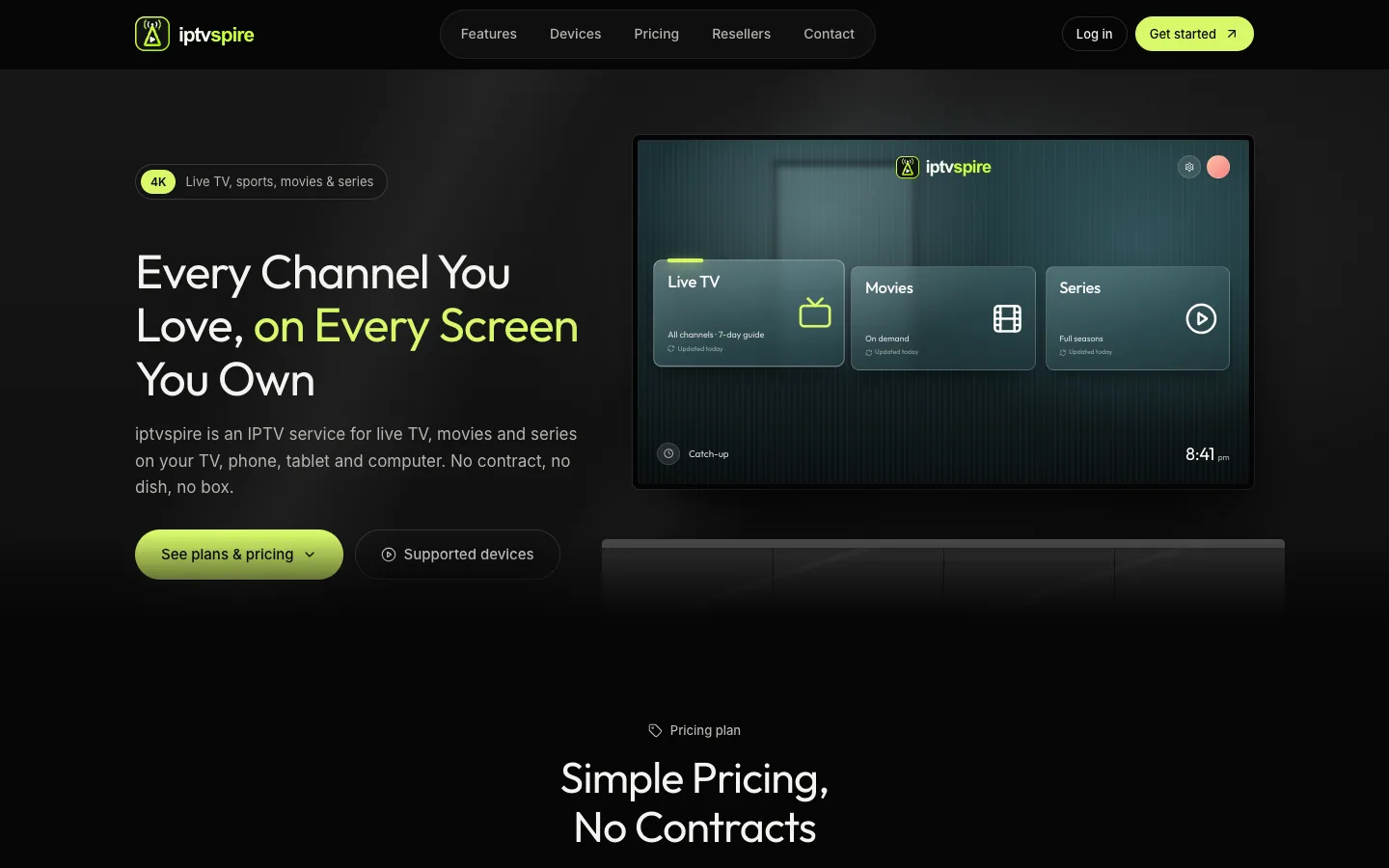
IPTVSpire IPTV Storefront Theme for WHMCS
IPTVSpire turns WHMCS 9 into a complete storefront for a streaming subscription business: a TV-style homepage, plan cards with a free trial, separate features, devices and reseller pages, and a restyled login and cart. See it running on the live demo.
Cloud VPS WHMCS Theme
I built this theme for a company selling dedicated servers, VPS and cloud compute through WHMCS. It restyles every client-facing page, adds a catalog-style order form with a sign-in step, and ships a Theme Manager addon with CMS pages, a blog, menus, media and SEO settings.
Server Location Picker with Flags for WHMCS
I built this addon to manage server locations in one place. It writes them into WHMCS as a configurable option with prices in every currency, passes the chosen location code to your server module, and feeds flag cards and per-month savings to the order form.