
Knowledgebase Feedback and Search Analytics for WHMCS
Log what clients search for in your WHMCS knowledgebase, see which searches find nothing, and collect a comment with each article vote.
What will the knowledgebase analytics addon do?
It records every search made in the WHMCS knowledgebase in the client area, with the number of articles each search returned. Searches that return nothing are grouped, so you can see which questions your articles do not answer yet. On each article, a short comment box appears after a client votes, so a not helpful vote can tell you what was missing. An admin page brings this together for any date range.
This product is built to order: you get the license key after a manual account check and the download within 7 business days.
What does WHMCS already do, and what does this add?
WHMCS counts views and helpful votes for each article, lets clients search or browse by category and tag, and can suggest articles while a client writes a ticket. It does not keep search terms, does not show which searches found nothing, and a vote carries no date or comment, so you see a total but not when or why. The addon adds the search log, the empty search list, dated votes with comments and a report, and leaves WHMCS's own counters running.
What is included?
| Part | What you get |
|---|---|
| Search log | Search term, date, result count and whether the client was signed in |
| Empty searches | Terms that returned no articles, grouped and counted |
| Votes | Each helpful or not helpful vote with its date and optional comment |
| Report | Top searches, empty searches and articles by share of helpful votes |
| Comment review | Comments per article, marked done once you act on them |
| Retention | Records older than the months you choose are deleted |
Who is it for?
Hosts and software sellers who put time into a knowledgebase to cut tickets and want to know whether it works. A term that keeps returning nothing, such as a control panel feature or an error message, is your next article. An article with many unhelpful votes and comments saying the steps are out of date is your next edit.
What do you need, and what are the limits?
Requirements: WHMCS 8.13 or 9.x (I confirm your exact version at purchase), PHP 8.1 or newer, and the WHMCS knowledgebase in use. The comment box works on the standard Twenty-One client theme; a custom theme needs a small template edit that I describe in the instructions.
Limits: it logs searches from the knowledgebase search box, not the article suggestions WHMCS shows on the ticket form. Search terms are stored without IP addresses. Reports start from the day the addon is switched on, so earlier votes stay in WHMCS's totals only.
It costs $29 once for a lifetime license with twelve months of updates and support, and a seven-day refund window. I check each account by hand, which can take up to 24 hours, before the license key is issued, and the download follows within 7 business days.
Key features
- Log of every client area knowledgebase search with date and result count
- List of searches that returned no articles, grouped and counted
- Optional comment box after a helpful or not helpful vote
- Each vote stored with its date, beside WHMCS's own counters
- Report of top searches, empty searches and least helpful articles
- Date range filter on every report
- Comments per article, marked done once handled
- CSV export of searches and comments
- Search terms stored without IP addresses, with a retention period
Why customers buy this module
- →Write the articles clients are already searching for
- →Fix the articles readers say did not help, with their reasons in front of you
- →Fewer tickets for questions the knowledgebase should answer
Frequently asked questions
Does it replace the WHMCS was-this-helpful vote?
No. WHMCS keeps counting votes and views on each article as before. The addon also records each vote with its date and shows a comment box afterwards, which the client can fill in or skip. The comment is never required to vote.
Will it work with my custom client area theme?
The search log works with any theme, because it records the search itself. The comment box sits on the article page, which on a custom theme needs one small addition to the article template. I describe the change in the instructions, or you can send me the theme name before you buy and I will tell you what it needs.
When will I get it, and what if you can't deliver?
You get the license key once I have checked your account by hand, which can take up to 24 hours, and the download within 7 business days of purchase. If I do not deliver it in that time, you get a full refund. Otherwise the store's seven-day refund window applies.
Technical specifications
- WHMCS
- 8.13 and 9.x (confirmed at purchase)
- PHP
- 8.1+
- Client theme
- Twenty-One; custom themes need a small template edit
- Data stored
- Search term, date, result count, vote and comment (no IP address)
- Availability
- Built to order, delivered in 7 business days
- License
- Lifetime, 1 year of updates and support included
- Delivery
- License key after a manual account check (up to 24 hours); download when built
- Refund window
- 7 days
Related modules
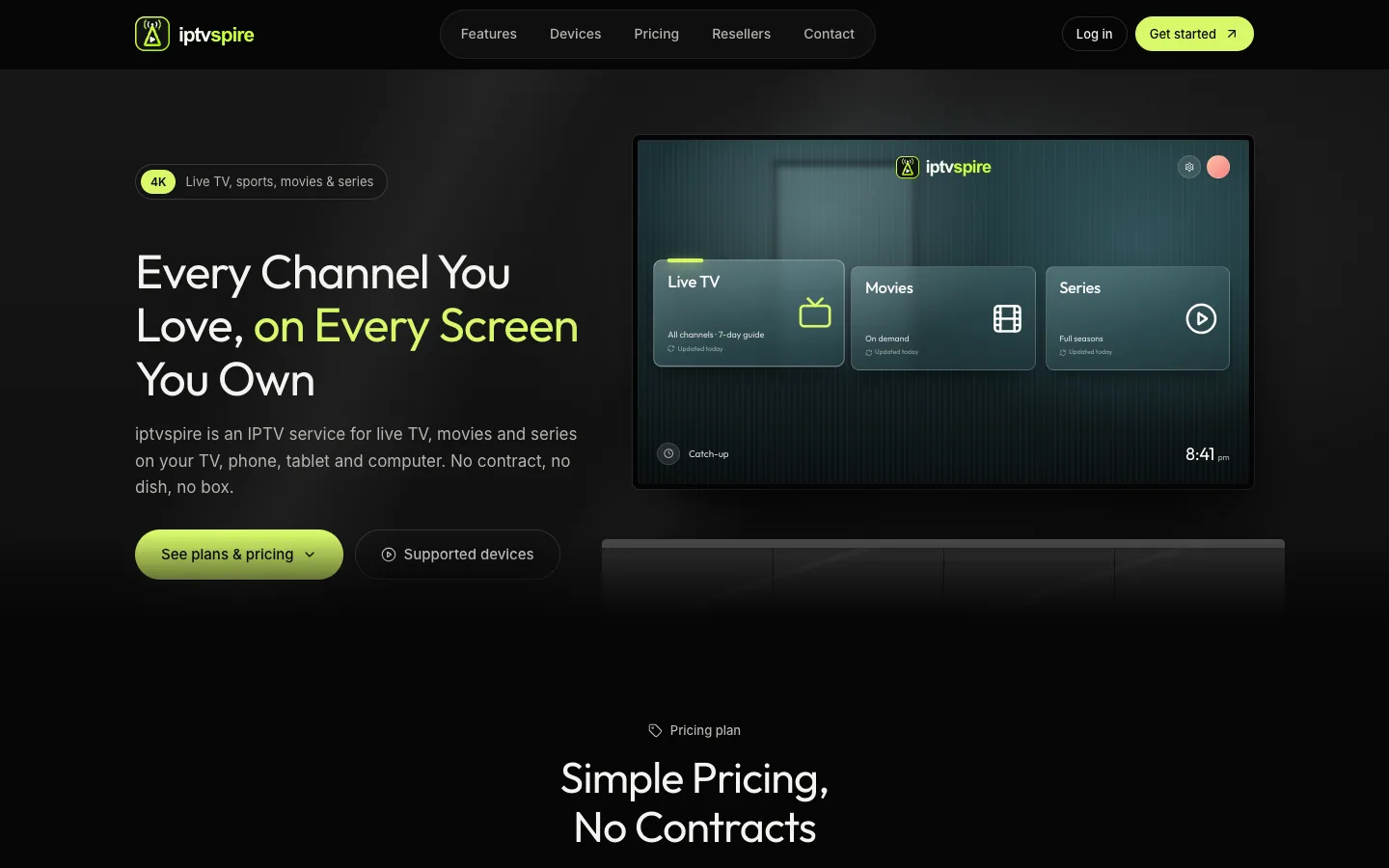
IPTVSpire IPTV Storefront Theme for WHMCS
IPTVSpire turns WHMCS 9 into a complete storefront for a streaming subscription business: a TV-style homepage, plan cards with a free trial, separate features, devices and reseller pages, and a restyled login and cart. See it running on the live demo.
Cloud VPS WHMCS Theme
I built this theme for a company selling dedicated servers, VPS and cloud compute through WHMCS. It restyles every client-facing page, adds a catalog-style order form with a sign-in step, and ships a Theme Manager addon with CMS pages, a blog, menus, media and SEO settings.
Server Location Picker with Flags for WHMCS
I built this addon to manage server locations in one place. It writes them into WHMCS as a configurable option with prices in every currency, passes the chosen location code to your server module, and feeds flag cards and per-month savings to the order form.