
Social Login Module for WHMCS
Let clients sign in to the WHMCS client area with Google, Facebook, Apple, Microsoft or GitHub, matched to their account by verified email.
What will the social login module do?
It adds sign-in buttons for Google, Facebook, Apple, Microsoft and GitHub to the WHMCS client area login. A client picks one, approves the request with that provider, and comes back signed in to their account without typing a password. The module links the sign-in to the client account that uses the same email address, and only when the provider reports that email as verified. If there is no verified match, nothing is linked and the client signs in the usual way.
This product is built to order: you get the license key at purchase and the download within 10 business days.
What is included?
| Part | What you get |
|---|---|
| Providers | Google, Facebook, Apple, Microsoft and GitHub |
| Login page | A sign-in button for each provider you switch on |
| Account matching | Link to the existing client account by verified email only |
| Admin settings | For each provider: on or off, plus the app keys from that provider |
| Fallback | Normal email and password login stays available |
Who is it for?
Hosting companies and other WHMCS businesses whose clients forget passwords and open tickets just to get back in. GitHub suits developer customers, Microsoft suits businesses that work in Microsoft 365, and many people already sign in with Google or Apple on their phones. Offering the accounts your clients use every day removes one more reason to contact support.
Why match by verified email only?
Because the email address is what ties a provider sign-in to a WHMCS account, it has to be one the provider has confirmed belongs to that person. Linking on an unconfirmed address could let someone open another client's account. Requiring a verified match keeps that door shut while still letting most clients sign in with one click.
What do you need, and what are the limits?
Requirements: WHMCS 8.x (I confirm your exact version at purchase) and PHP 8.1 or newer. You create a sign-in app with each provider you want to offer and paste its keys into the module settings; Apple's requires a paid Apple Developer account.
Limits: social sign-in links to accounts that already exist, and new sign-ups still go through your WHMCS registration form. A client who uses Apple's hide-my-email option, or whose provider account has no verified email, will not match and signs in with a password instead. If you need accounts created from a provider profile, or a provider not listed here, ask me before you order.
It costs $49 once for a lifetime license with twelve months of updates and support, the license key at purchase and the download within 10 business days, and a seven-day refund window.
Key features
- Sign-in with Google, Facebook, Apple, Microsoft and GitHub
- Provider buttons on the WHMCS client area login page
- Links to the existing client account by verified email only
- No link made when the email is missing or unverified
- Each provider switched on or off in the admin area
- Provider app keys entered in the module settings
- Email and password login kept as before
Why customers buy this module
- →Fewer tickets from clients locked out of their accounts
- →Clients sign in with an account they already use every day
- →Verified email matching keeps one client out of another's account
Frequently asked questions
What happens if the provider's email does not match a client account?
Nothing is linked. The client is sent back to the normal login, where they sign in with their email and password or register. The module only signs someone in when the provider has verified the email and it matches an existing WHMCS client.
Doesn't WHMCS already offer Google and Facebook sign-in?
WHMCS ships its own sign-in integrations for a few providers, including Google and Facebook. This module puts all five providers, including Apple, Microsoft and GitHub, under one settings page and signs clients in by verified email match. If Google and Facebook are all you need, try the built-in option first.
When do I receive the module after I pay?
It is built to order. You get the license key at purchase and the download within 10 business days. You then create an app with each provider you want and add its keys in the module settings.
Technical specifications
- WHMCS
- 8.x (confirmed at purchase)
- PHP
- 8.1+
- Providers
- Google, Facebook, Apple, Microsoft, GitHub
- Availability
- Built to order, delivered in 10 business days
- License
- Lifetime, 1 year of updates and support included
- Delivery
- Instant download and license key
- Refund window
- 7 days
Related modules
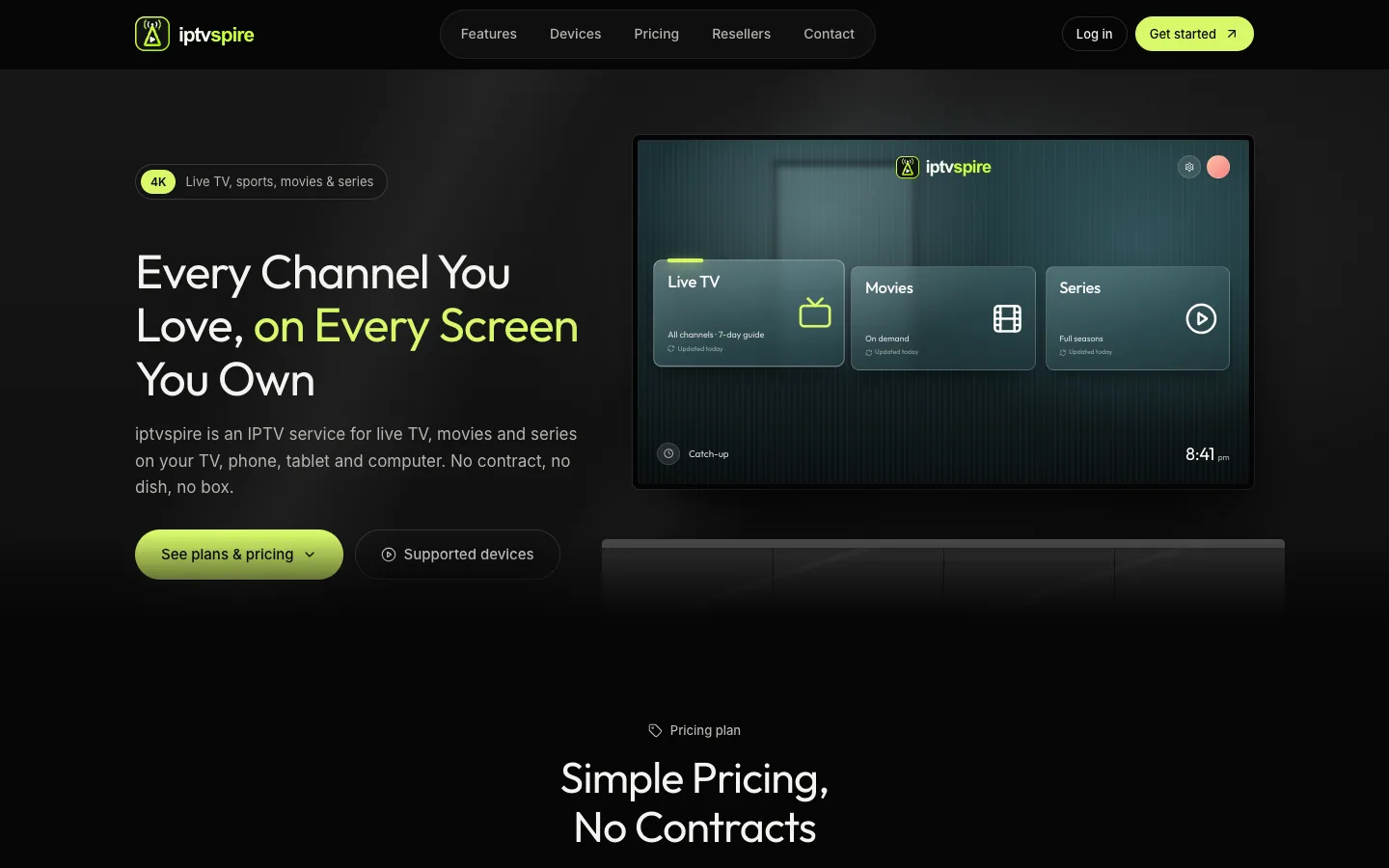
IPTVSpire IPTV Storefront Theme for WHMCS
IPTVSpire turns WHMCS 9 into a complete storefront for a streaming subscription business: a TV-style homepage, plan cards with a free trial, separate features, devices and reseller pages, and a restyled login and cart. See it running on the live demo.
Cloud VPS WHMCS Theme
I built this theme for a company selling dedicated servers, VPS and cloud compute through WHMCS. It restyles every client-facing page, adds a catalog-style order form with a sign-in step, and ships a Theme Manager addon with CMS pages, a blog, menus, media and SEO settings.
Server Location Picker with Flags for WHMCS
I built this addon to manage server locations in one place. It writes them into WHMCS as a configurable option with prices in every currency, passes the chosen location code to your server module, and feeds flag cards and per-month savings to the order form.